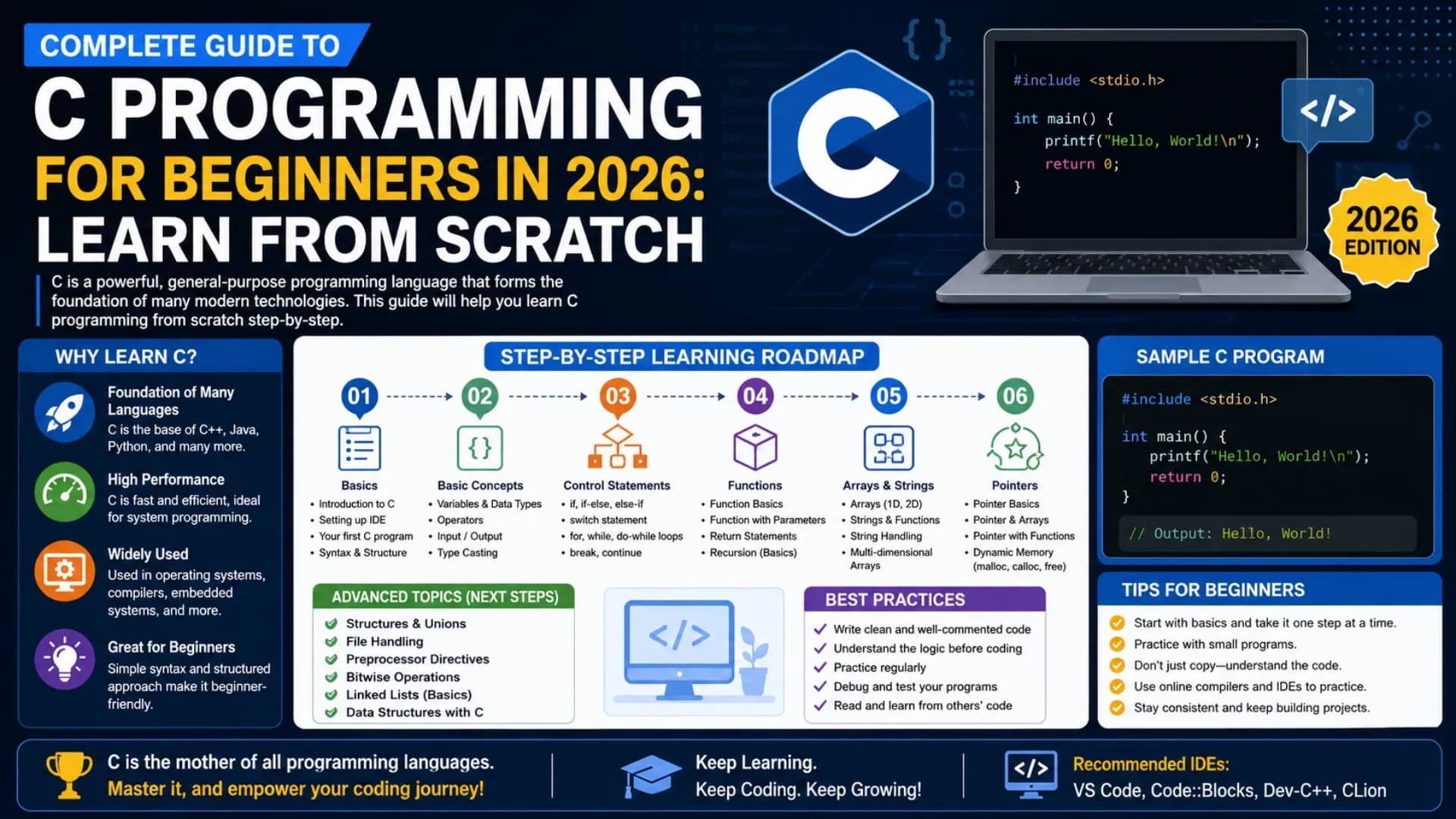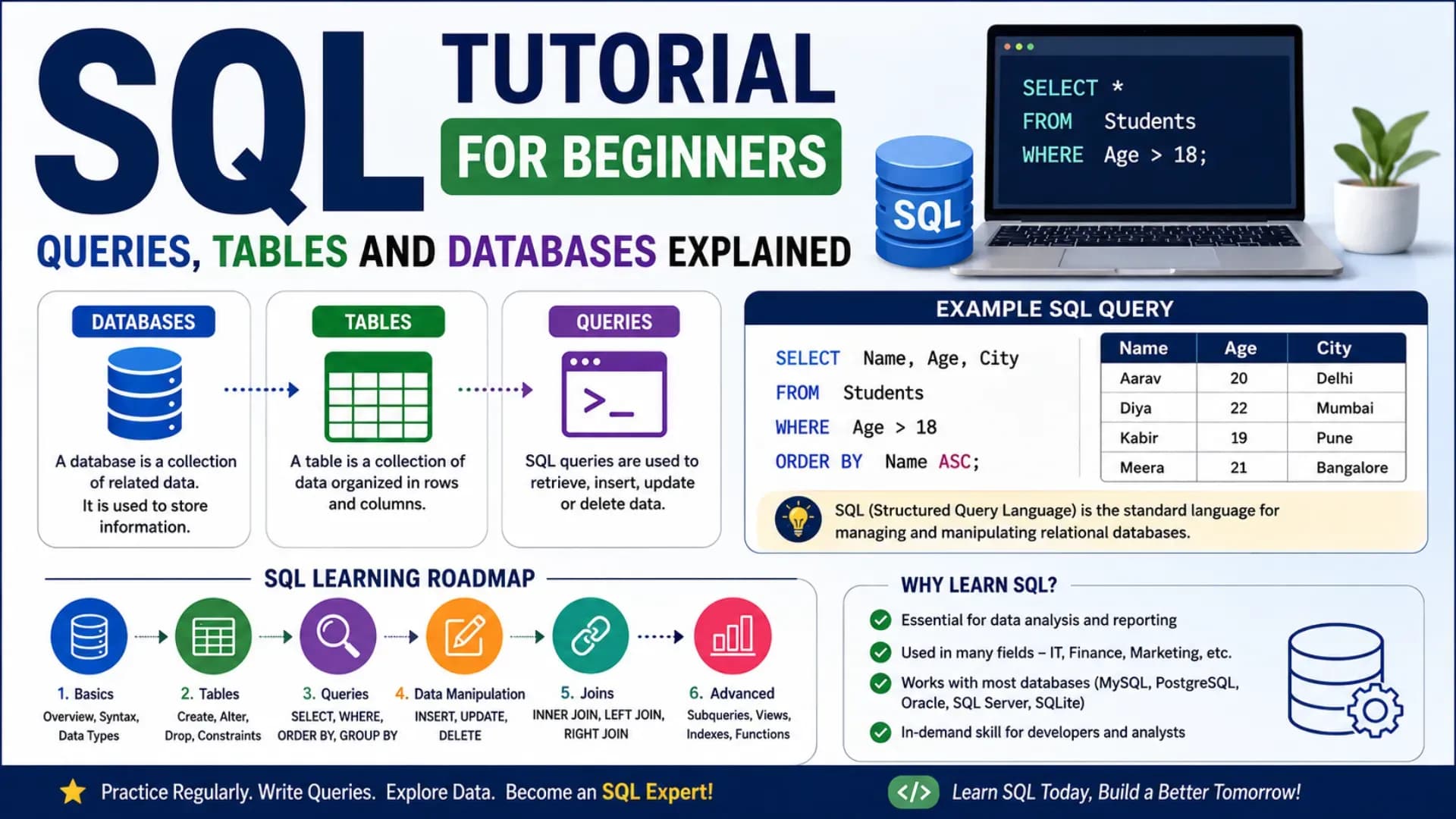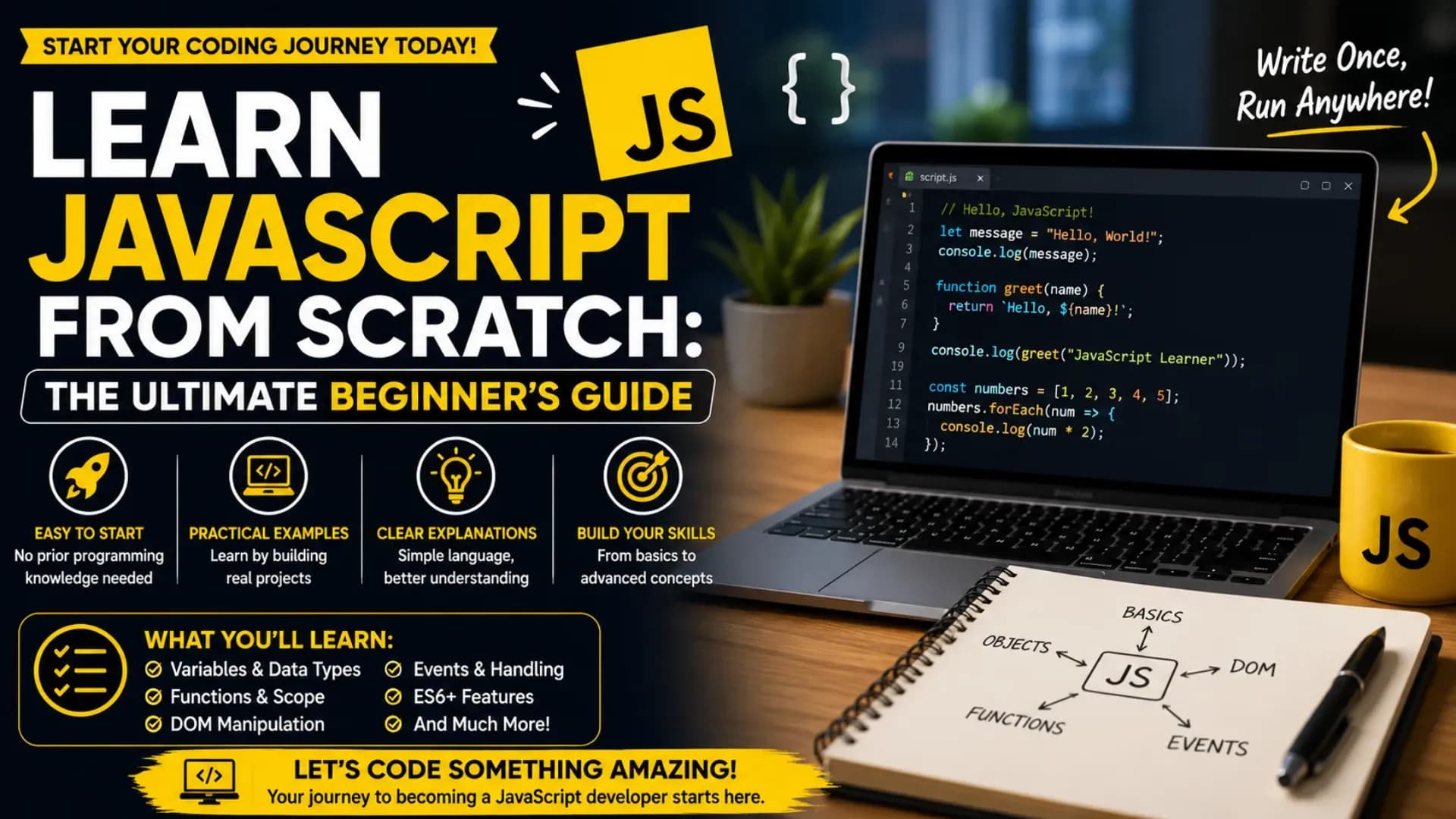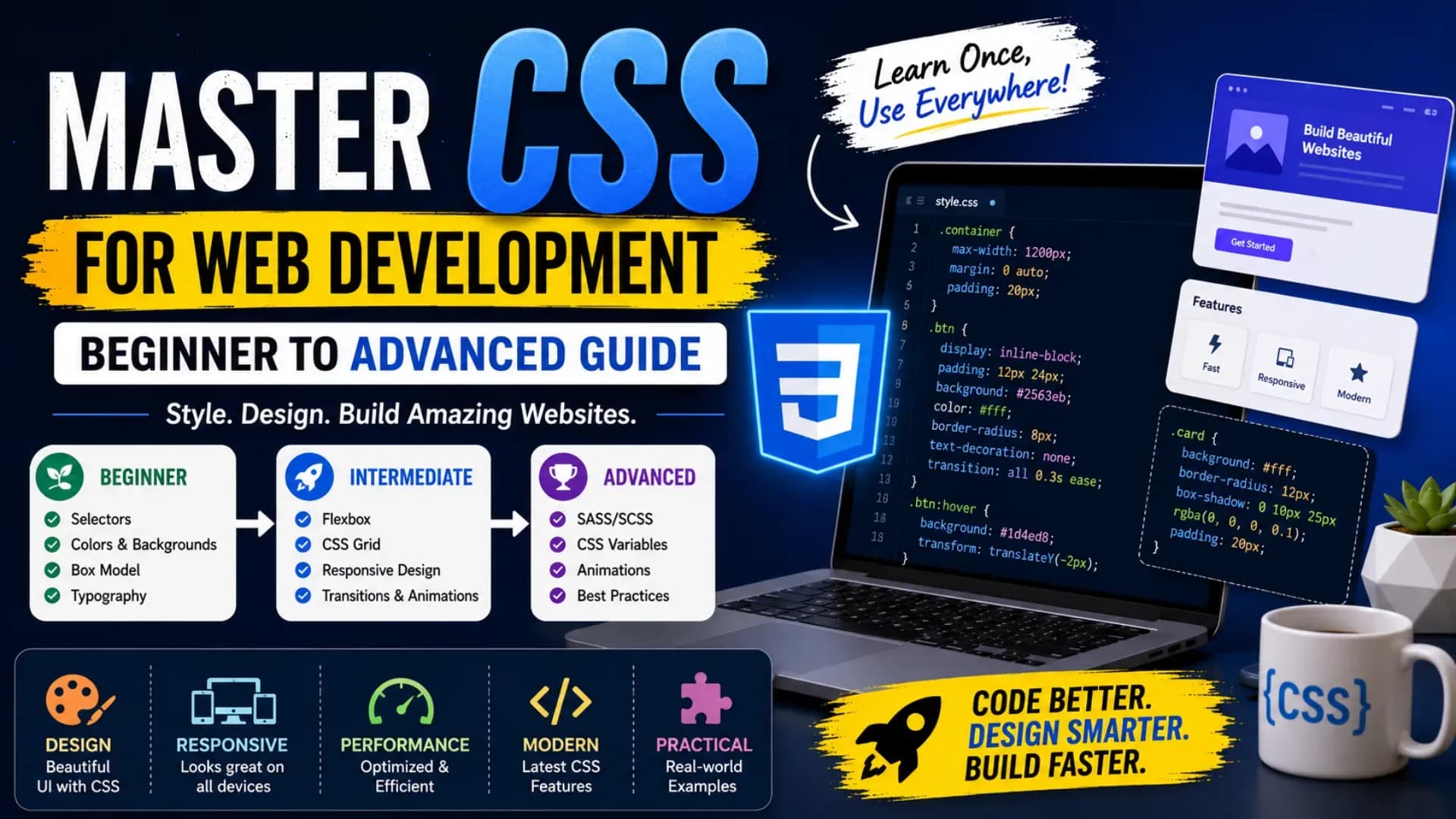
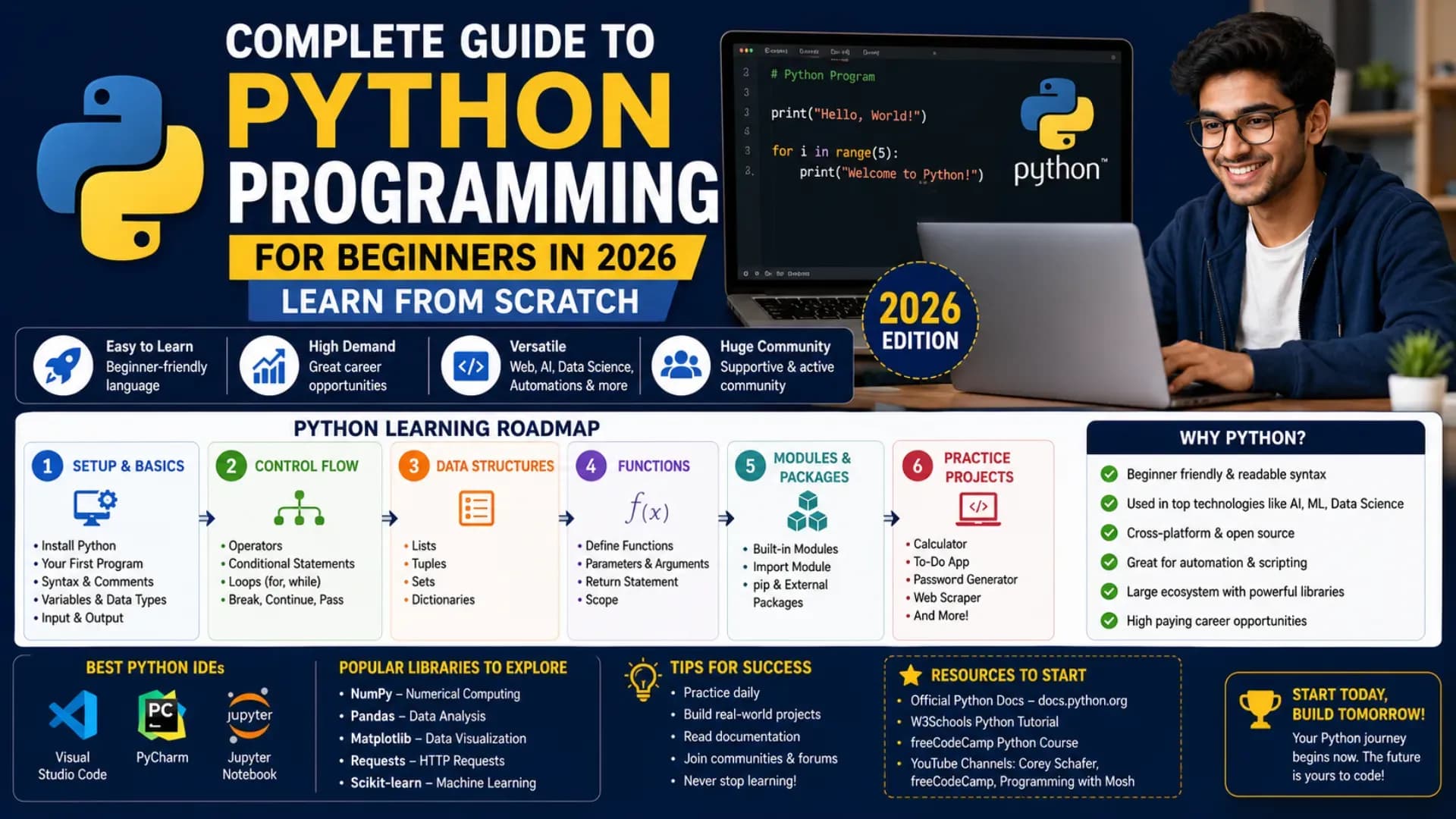
Complete Guide to Python Programming for Beginners in 2026: Learn From Scratch
Python is the most beginner-friendly, widely adopted, and rapidly growing programming language in the world today — and its dominance across web development, data science, artificial intelligence, automation, and scientific computing makes it one of the highest-value technical skills any student or professional can acquire in 2026. This Python tutorial for beginners is designed to help students, aspiring developers, and complete beginners understand Python from the ground up, with clear explanations and practical code examples that build genuine competency rather than just surface-level familiarity.
If you want to learn Python programming with genuine depth, you need more than just print statements and simple scripts. A complete Python for beginners journey requires a solid understanding of Python programming basics — variables, data types, operators, control flow — alongside the concepts that make Python genuinely powerful: Python functions, Python OOP (Object-Oriented Programming), list comprehensions, modules, file handling, and working with libraries. This Python guide 2026 covers all of it, step by step.
This Python coding tutorial will take you from your very first line of code to writing real programs that process data, build interactive tools, automate tasks, and form the foundation for advanced work in machine learning and web development. Whether you are a first-year engineering student, a working professional seeking a career change, or a complete beginner starting learn coding with Python from scratch — this guide provides the clearest, most practical path forward available in 2026.
Related Article: Top B.Tech Colleges in India: Fees, Admission & Ranking 2026
Table of Contents
- What is Python Programming?
- Why Learn Python Programming in 2026?
- Python Programming Basics: Variables, Data Types, and Operators
- Control Flow: Conditionals and Loops
- Python Functions
- Lists, Tuples, Sets, and Dictionaries
- Python OOP: Object-Oriented Programming
- Modules, Libraries, and File Handling
- Advanced Python: Comprehensions, Decorators, and Error Handling
- Python Programming Examples and Projects for Practice
- FAQs
- Conclusion
What is Python Programming?
Python is a high-level, interpreted, general-purpose programming language created by Guido van Rossum and first released in 1991. It was designed with a philosophy of readability and simplicity — the idea that code should be easy for humans to read and write, not just for computers to execute. Python's syntax is clean, close to plain English, and deliberately minimal — which is why it has become the default entry point for Python for beginners worldwide and the dominant language in data science, AI, and automation.
When you use Netflix recommendations, Google's search algorithms, Instagram's content ranking, or any machine learning pipeline — Python is almost certainly in the stack. Scientific research institutions, financial services firms, cybersecurity teams, and web development shops all rely on Python programming for a significant portion of their technical work. This breadth of application is what makes learn Python programming one of the highest-return investments any aspiring developer or analyst can make.
A complete Python coding tutorial should not just teach syntax — it should show you how Python thinks: readable by design, dynamically typed, object-oriented at its core but flexible enough for functional and procedural styles, and backed by the most extensive ecosystem of third-party libraries in any programming language. That combination of accessibility and power is what makes Python for beginners the most recommended starting point for new programmers in 2026 across virtually every technical domain.
Also Read: Top AI Skills Students Must Learn in 2026
Why Learn Python Programming in 2026?
The case for choosing to learn Python programming in 2026 is stronger than it has ever been. Python consistently ranks as the most popular programming language in the world across developer surveys, job postings, and academic curricula — and the categories it dominates are among the fastest-growing in the technology industry: machine learning, data science, artificial intelligence, automation, and scientific computing. No other language combines Python's entry-level accessibility with its professional-grade ceiling.
Understanding Python programming basics gives you immediate practical capability — you can write useful scripts, process data files, build web scrapers, automate repetitive tasks, and interact with APIs within weeks of starting. Unlike languages that require extensive setup or boilerplate before producing anything meaningful, Python's interactive interpreter and readable syntax mean that Python programming examples produce visible results from the first session, which accelerates learning and maintains motivation.
This Python guide 2026 is built around the reality that Python proficiency is no longer just a developer skill — it is a general-purpose analytical and automation skill that is valued across engineering, finance, healthcare, research, and business operations. For anyone serious about learn coding with Python who wants both immediate practical utility and a long-term career asset, Python is the most versatile and most rewarding choice available.
Python Programming Basics: Variables, Data Types, and Operators
Every journey to learn Python programming from scratch starts with the fundamentals: how to store data, what kinds of data Python understands, and how to perform operations on that data. These Python programming basics are the vocabulary of every Python program you will ever write.
Your First Python Program
print("Hello, World!")Python requires no boilerplate, no main function declaration, and no semicolons — a single line is a complete, runnable program. This simplicity is the defining feature of Python for beginners and the reason Python produces visible results faster than any other language at the introductory level. This one-liner is the foundation of every Python programming example you will build upon.
Declaring Variables
name = "Aryan"
age = 21
marks = 87.5
is_enrolled = True
Python is dynamically typed — you do not declare a variable's type explicitly. Python infers the type from the value you assign. This makes Python programming basics faster to write, but it also requires discipline: understanding what type a variable holds at any point in your program is essential for avoiding type errors in more complex code.
Python Data Types
- int — Integer numbers:
10,-5,0 - float — Decimal numbers:
3.14,-0.5 - str — Text strings:
"Hello",'Python' - bool — Boolean:
True,False - list — Ordered, mutable collection:
[1, 2, 3] - dict — Key-value pairs:
{"name": "Aryan", "age": 21} - tuple — Ordered, immutable collection:
(1, 2, 3) - set — Unordered unique elements:
{1, 2, 3} - NoneType — Absence of a value:
None
Basic Operators
a, b = 10, 3

print(a + b)   # 13
print(a - b)   # 7
print(a * b)   # 30
print(a / b)   # 3.333... (true division — always float)
print(a // b)  # 3 (floor division)
print(a % b)   # 1 (modulus)
print(a ** b)  # 1000 (exponentiation)
These Python programming basics — dynamic typing, clean variable assignment, and Python's arithmetic operators — form the absolute foundation of all Python programming examples. The distinction between true division (/) and floor division (//) is a Python for beginners concept that matters immediately when working with integer arithmetic and loop indices.
Control Flow: Conditionals and Loops
Control flow is how a Python program makes decisions and repeats actions. These structures are the core of all logic in Python programming basics — every meaningful program uses conditionals and loops to respond dynamically to data rather than executing the same fixed sequence every time. Python's indentation-based syntax makes control flow uniquely readable compared to brace-based languages.
Conditionals
marks = 75

if marks >= 90:
    print("Grade: A")
elif marks >= 60:
    print("Grade: B")
else:
    print("Grade: C")
Ternary Expression
# Python's one-line conditional
result = "Pass" if marks >= 40 else "Fail"
print(result)  # Pass
Loops
# For loop — iterating over a range
for i in range(1, 6):
    print("Item", i)

# For loop — iterating over a list
fruits = ["apple", "mango", "banana"]
for fruit in fruits:
    print(fruit)

# While loop
count = 0
while count < 3:
    print("Count:", count)
    count += 1
Loop Control Statements
for i in range(10):
    if i == 5:
        break      # Exit the loop entirely
    if i % 2 == 0:
        continue   # Skip to the next iteration
    print(i)       # Prints: 1, 3
Python's for loop iterates directly over any iterable — lists, strings, tuples, dictionaries, ranges — without needing an index counter in most cases. This is one of the cleanest features of Python programming basics compared to lower-level languages, and it is used extensively in every real Python programming example that processes collections of data. Mastering control flow is a non-negotiable step in this Python coding tutorial.
Python Functions
Python functions are reusable blocks of code that perform a specific task. They are the primary tool for structuring programs into manageable, testable, and readable units. In any complete Python coding tutorial, functions are the first major step from writing simple scripts to building real, organised programs — and Python's function design is one of the most flexible and expressive in any programming language.
Defining and Calling a Function
def greet(name):
    return f"Hello, {name}! Welcome to Python."

print(greet("Priya"))  # Hello, Priya! Welcome to Python.
Default Parameters and Keyword Arguments
def introduce(name, age=18, city="India"):
    print(f"{name}, Age: {age}, From: {city}")

introduce("Aryan")                    # Aryan, Age: 18, From: India
introduce("Kavya", city="Chennai")    # Kavya, Age: 18, From: Chennai
introduce("Rahul", age=22, city="Pune")  # Rahul, Age: 22, From: Pune
*args and **kwargs
# *args — accept any number of positional arguments
def total(*args):
    return sum(args)

print(total(10, 20, 30))  # 60

# **kwargs — accept any number of keyword arguments
def profile(**kwargs):
    for key, value in kwargs.items():
        print(f"{key}: {value}")

profile(name="Ananya", course="B.Tech", year=2)
Lambda Functions
# Anonymous one-line functions
double = lambda x: x * 2
square = lambda x: x ** 2

print(double(5))   # 10
print(square(4))   # 16

# Lambda with sorted()
students = [("Aryan", 85), ("Kavya", 92), ("Rahul", 78)]
students.sort(key=lambda s: s[1], reverse=True)
print(students)  # [('Kavya', 92), ('Aryan', 85), ('Rahul', 78)]
Understanding Python functions deeply — including scope, default parameters, *args, **kwargs, lambda expressions, and higher-order functions — is what separates a beginner who has memorised Python programming basics syntax from a developer who can write clean, reusable, production-quality code. This is a topic every serious Python for beginners guide must treat with full depth, and this Python guide 2026 delivers exactly that.
Lists, Tuples, Sets, and Dictionaries
Python's built-in data structures — lists, tuples, sets, and dictionaries — are the most powerful and most frequently used tools in everyday Python programming. Nearly every real-world application processes data through one or more of these structures, and mastering them is the foundation of practical learn Python programming at any level.
Lists — Ordered and Mutable
scores = [85, 92, 78, 96, 61]

print(scores[0])      # 85 (zero-indexed)
print(scores[-1])     # 61 (last element)
print(scores[1:4])    # [92, 78, 96] (slicing)

scores.append(88)     # Add to end
scores.remove(61)     # Remove by value
scores.sort()         # Sort in place
print(sorted(scores, reverse=True))  # Descending order
Dictionaries — Key-Value Pairs
student = {
    "name": "Kavya",
    "age": 20,
    "course": "B.Tech CSE"
}

print(student["name"])            # Kavya
print(student.get("city", "N/A")) # N/A (safe access with default)

student["city"] = "Pune"          # Add new key
del student["age"]                # Remove key

for key, value in student.items():
    print(f"{key}: {value}")
List Comprehensions — Pythonic Data Processing
numbers = [1, 2, 3, 4, 5, 6, 7, 8, 9, 10]

# Square of each number
squares = [n ** 2 for n in numbers]

# Filter even numbers only
evens = [n for n in numbers if n % 2 == 0]

# Combined — squares of even numbers
even_squares = [n ** 2 for n in numbers if n % 2 == 0]

print(even_squares)  # [4, 16, 36, 64, 100]
List comprehensions are one of the most distinctively Pythonic features in the language — they replace multi-line loops with elegant single expressions and are used throughout professional Python codebases. Mastering them is a key indicator of intermediate Python programming basics competency and appears regularly in every real-world Python programming example involving data transformation. This Python coding tutorial treats them as a fundamental skill, not an advanced one.
Stop Stressing. Start Applying.
Skip the chaos of filling endless forms. Apply to your dream colleges in one go through the College Nirnay Common Application Form — built for every student navigating India's competitive education landscape.
Fill the Common Application Form →✓ Free to apply · ✓ Takes under 5 minutes · ✓ Trusted by thousands of students
Python OOP: Object-Oriented Programming
Python OOP — Object-Oriented Programming — is the paradigm that organises code around objects: entities that combine data (attributes) and behaviour (methods) into a single, reusable unit. Understanding Python OOP is what takes you from writing procedural scripts to building structured, scalable applications. Every major Python framework — Django, Flask, FastAPI, SQLAlchemy, PyTorch — is built on OOP principles, making this topic essential for any serious Python coding tutorial.
Defining a Class
class Student:
    def __init__(self, name, age, course):
        self.name = name
        self.age = age
        self.course = course

    def introduce(self):
        return f"Hi, I'm {self.name}, studying {self.course}."

    def is_adult(self):
        return self.age >= 18

# Create instances (objects)
s1 = Student("Aryan", 21, "B.Tech CSE")
s2 = Student("Kavya", 19, "B.Sc Data Science")

print(s1.introduce())   # Hi, I'm Aryan, studying B.Tech CSE.
print(s2.is_adult())    # True
Inheritance
class Person:
    def __init__(self, name, age):
        self.name = name
        self.age = age

    def greet(self):
        return f"Hello, I'm {self.name}."

class Engineer(Person):
    def __init__(self, name, age, specialisation):
        super().__init__(name, age)
        self.specialisation = specialisation

    def describe(self):
        return f"{self.greet()} I specialise in {self.specialisation}."

eng = Engineer("Rahul", 23, "Machine Learning")
print(eng.describe())
# Hello, I'm Rahul. I specialise in Machine Learning.
Key OOP Concepts in Python
- Encapsulation: Bundling data and methods together — and restricting direct access using name mangling (
__attribute) - Inheritance: A child class inherits attributes and methods from a parent class —
super()calls the parent's constructor - Polymorphism: Different classes implementing the same method name with different behaviour — enabling generic code that works across object types
- Abstraction: Hiding implementation details behind clean interfaces — implemented in Python using abstract base classes from the
abcmodule
Python OOP is not just a theoretical paradigm — it is the practical structure of every significant Python codebase you will encounter or build. Understanding how classes, inheritance, and polymorphism work in Python prepares you to read and contribute to frameworks, build maintainable applications, and understand the design patterns that experienced developers use. No Python guide 2026 for serious learners can skip this topic.
Modules, Libraries, and File Handling
Python's ecosystem of modules and libraries is its most practically powerful feature — the Python Package Index (PyPI) contains over 400,000 packages covering data science, web development, machine learning, image processing, networking, database interaction, and virtually every other domain. Understanding how to import and use modules is a core Python programming basics skill that unlocks the full power of the language.
Importing Modules
import math
import random
from datetime import datetime

print(math.sqrt(144))         # 12.0
print(math.pi)                # 3.141592653589793
print(random.randint(1, 100)) # Random integer between 1 and 100
print(datetime.now())         # Current date and time
File Handling in Python
# Writing to a file
with open("output.txt", "w") as f:
    f.write("Hello from Python programming!\n")
    f.write("Score: 95\n")

# Reading from a file
with open("output.txt", "r") as f:
    content = f.read()
    print(content)

# Reading line by line
with open("output.txt", "r") as f:
    for line in f:
        print(line.strip())
Essential Python Libraries Every Beginner Should Know
- os — Operating system interface: file paths, directory operations, environment variables
- sys — System-specific parameters and functions, command-line arguments
- json — Read and write JSON data — essential for API work and configuration files
- requests — HTTP library for making web API calls — the most popular Python package
- pandas — Data analysis and manipulation — the foundation of data science work in Python
- numpy — Numerical computing with arrays — the basis for scientific and ML work
- matplotlib — Data visualisation and plotting
Python's with statement for file handling — which automatically closes the file even if an error occurs — is a Python programming basics pattern that every complete Python coding tutorial must cover. The combination of clean file I/O and Python's rich library ecosystem is what makes learn coding with Python so immediately practical — your first real programs can read CSVs, call APIs, and write structured output within hours of learning these fundamentals.
Advanced Python: Comprehensions, Decorators, and Error Handling
Moving beyond Python programming basics into intermediate Python requires understanding three categories of features that appear throughout professional codebases: comprehensions for elegant data transformation, decorators for modifying function behaviour, and exception handling for writing robust, error-tolerant programs. This section of the Python guide 2026 covers all three.
Dictionary and Set Comprehensions
# Dictionary comprehension
students = ["Aryan", "Kavya", "Rahul"]
scores = {name: len(name) * 10 for name in students}
print(scores)  # {'Aryan': 50, 'Kavya': 50, 'Rahul': 50}

# Set comprehension — unique values only
nums = [1, 2, 2, 3, 3, 3, 4]
unique_squares = {n ** 2 for n in nums}
print(unique_squares)  # {1, 4, 9, 16}
Decorators
import time

def timer(func):
    def wrapper(*args, **kwargs):
        start = time.time()
        result = func(*args, **kwargs)
        end = time.time()
        print(f"{func.__name__} ran in {end - start:.4f}s")
        return result
    return wrapper

@timer
def slow_function():
    time.sleep(0.5)
    return "Done"

slow_function()  # slow_function ran in 0.5001s
Exception Handling
def safe_divide(a, b):
    try:
        result = a / b
    except ZeroDivisionError:
        print("Error: Cannot divide by zero")
        return None
    except TypeError:
        print("Error: Both inputs must be numbers")
        return None
    else:
        print(f"Result: {result}")
        return result
    finally:
        print("Division attempt complete")

safe_divide(10, 2)   # Result: 5.0
safe_divide(10, 0)   # Error: Cannot divide by zero
Exception handling with try, except, else, and finally is not an advanced concept in Python programming — it is a baseline expectation for any code that runs in production. Every real-world Python programming example that reads files, calls APIs, or processes user input must handle errors gracefully. Building error handling into your code from the start is a discipline this Python tutorial for beginners establishes early, because retrofitting it later is one of the most common sources of technical debt in beginner Python projects.
Python Programming Examples and Projects for Practice
The fastest way to genuinely learn Python programming is to build real programs. Reading theory creates familiarity — but actually writing code, hitting errors, debugging logic mistakes, and understanding why your output does not match your expectation is what creates real competency. These Python programming examples and project ideas are structured to take you progressively from basic to intermediate to genuinely professional-grade thinking.
- Number guessing game with score tracking and replay functionality
- To-do list manager with file persistence — add, complete, and delete tasks saved across sessions
- CSV data analyser — read a CSV file, compute averages, find max/min, and generate a summary report
- Weather app using the OpenWeatherMap API and the
requestslibrary - Student grade management system using Python OOP — classes for Student, Course, and GradeBook
- Web scraper using
BeautifulSoup— extract headlines or prices from a public website - Password generator with customisable length and character set options
- Expense tracker with categories, monthly summaries, and CSV export using
pandas - Simple quiz application with randomised questions, timer, and final score display
- Text file word frequency counter — read a document, count word occurrences, and display the top 20 words
Each of these Python programming examples consolidates specific skills — Python functions, Python OOP, file I/O, library usage, and data structure manipulation — in a context that produces something functional, testable, and demonstrable. They are also strong portfolio items for students and working professionals seeking data analyst, automation, or junior developer roles where Python programming basics competency is the primary hiring criterion.
FAQs
Q1. Is Python a good first programming language to learn in 2026?
Yes — and for most beginners in 2026, Python is the best first language available. The clean syntax, immediate feedback from the interactive interpreter, and the breadth of practical applications make Python for beginners the most rewarding starting point for students targeting data science, machine learning, web development, or automation. Engineering students who will eventually work on systems-level programming or competitive programming may benefit from starting with C instead — but for the majority of learners who want immediate practical utility and the widest range of career applications, learn Python programming first is the correct decision. This Python guide 2026 is designed to give you exactly that foundation.
Q2. How long does it take to learn Python programming from scratch?
With consistent daily practice of 1 to 2 hours, most beginners can become comfortable with Python programming basics — variables, control flow, functions, and data structures — within 3 to 4 weeks. Reaching genuine competency with Python OOP, file handling, library usage, and the ability to build real projects typically takes 2 to 3 months of regular coding. Reaching professional-grade competency in a specific domain — data science with pandas and numpy, web development with Django or Flask, or machine learning with scikit-learn — takes 6 to 12 months of focused practice. The most important variable is not time — it is whether you are building real Python programming examples consistently alongside reading this Python coding tutorial.
Q3. What is Python OOP and why does it matter for beginners?
Python OOP — Object-Oriented Programming — is the paradigm of organising code around classes and objects rather than standalone functions and variables. It matters for beginners because every major Python framework and library you will use is built on OOP principles — Django models, Flask application objects, PyTorch neural network classes, and pandas DataFrames are all Python OOP in action. Understanding how to define classes, use inheritance, and apply polymorphism is the difference between a beginner who can write scripts and a developer who can build applications. This Python tutorial for beginners covers Python OOP as a core topic — not an advanced one — because avoiding it limits you to the smallest subset of Python's practical capability.
Q4. Should I learn Python or JavaScript for web development?
It depends on which part of web development you are targeting. JavaScript is the language of the browser — frontend development, interactive UIs, and client-side logic all require JavaScript. Python — through frameworks like Django, Flask, and FastAPI — handles backend development: server logic, database interaction, authentication, and APIs. Full-stack web development in 2026 typically involves both. If you are choosing one first, Python is more versatile across roles — its value extends far beyond web development into data science and automation. Learn Python programming first if you are unsure of your direction; learn JavaScript if your goal is specifically frontend development. Once you have solid Python programming basics, picking up JavaScript is significantly faster.
Q5. What tools and environment should I use to learn Python programming?
For beginners starting this Python tutorial for beginners, the recommended setup is Python 3.12+ (download from python.org) as the interpreter. For an editor, VS Code with the Python extension from Microsoft is the most widely used and best-supported option in 2026 — it provides syntax highlighting, linting, debugging, and Jupyter notebook support in a single interface. For data science work, Jupyter Notebook or JupyterLab provides an interactive environment where code and output appear together — ideal for learning pandas, numpy, and matplotlib. For students who want a zero-install starting point, Google Colab provides a free, cloud-hosted Jupyter environment. The most important thing for learn coding with Python is to write and run code daily — the environment matters far less than the consistency of practice.
Explore More
Conclusion
Python is the language that is shaping the next decade of technology — from artificial intelligence and data science to web applications and automation — and this guide has taken you through everything you need to learn Python programming from scratch with genuine understanding. From Python programming basics like variables, data types, and control flow to Python functions, data structures, Python OOP, modules, and advanced patterns — the complete picture is here in this Python coding tutorial.
If you want to build a meaningful career or project portfolio using Python programming, invest in the right way — through building real projects rather than accumulating passive theory. Write real Python programming examples, debug your own logic errors, implement your own data processing pipelines, and build programs that produce something you can show someone. That cycle — build, break, understand, fix — is how every capable Python developer has built their skills, and this Python guide 2026 has given you the complete roadmap.
By following this Python tutorial for beginners from start to finish, you now have a clear path: master Python programming basics, write clean Python functions, build with data structures, apply Python OOP principles, use libraries confidently, and complete real Python programming examples that demonstrate your ability. That is the complete, honest path for anyone serious about learn coding with Python in 2026 — and Python for beginners does not get a more comprehensive or practical foundation than this.